
Choose a video
Open one clip from Photos. Perfect Frame only reads the video you select, so you can work from real iPhone footage without importing a whole library.
HD Still Grabber & Export. Compare nearby moments, choose the still you want, and export it without screenshot controls, cropping, or screen-capture loss. Built for the iPhone problem where the video has the right moment—but a pause-and-screenshot does not.
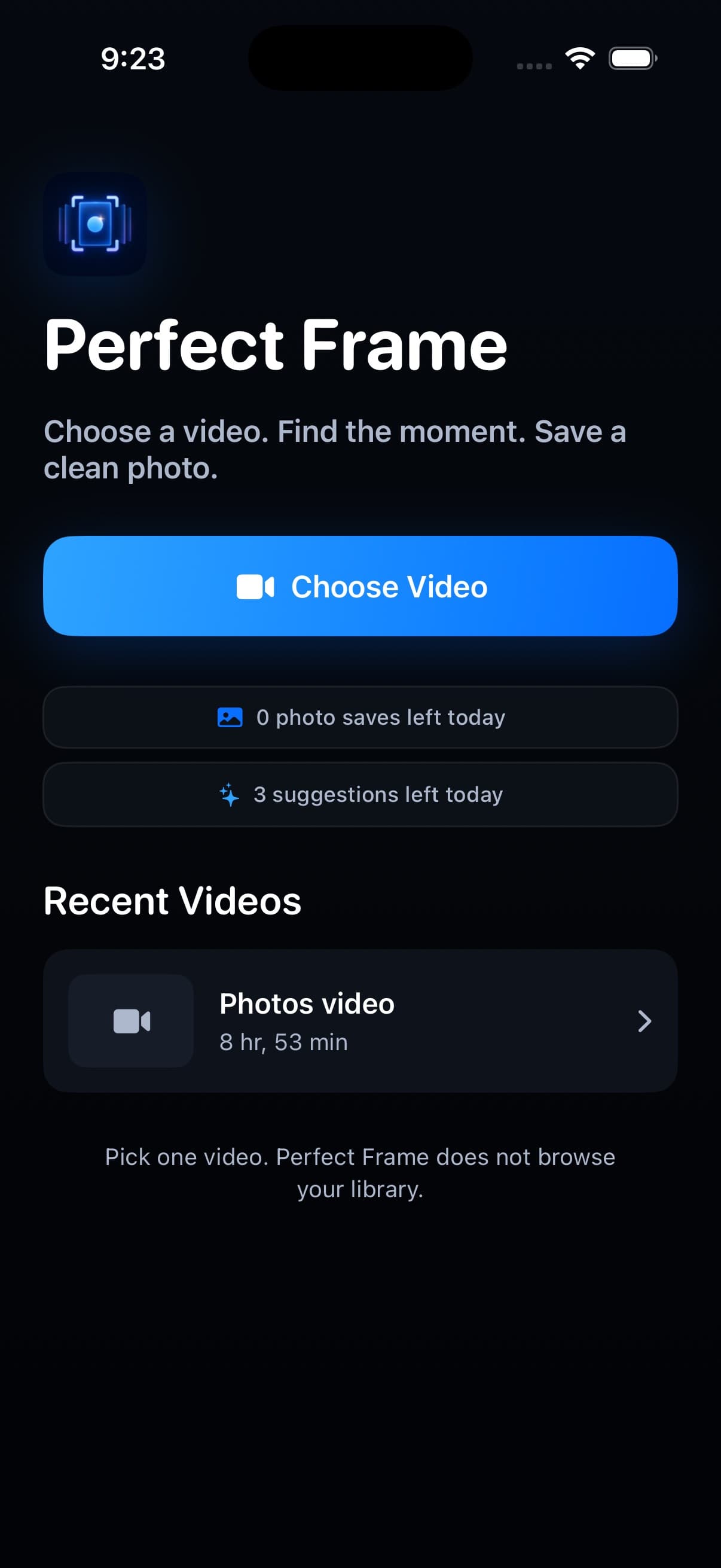
Focused on getting a clean HD photo out of a video, without turning the job into an editing project. Use it when you need to extract photo from video clips, save frame from video moments, or turn a quick iPhone recording into a still for sharing, printing, thumbnails, or family keepsakes.
Open one clip from Photos. Perfect Frame only reads the video you select, so you can work from real iPhone footage without importing a whole library.
Scrub, step earlier or later, and compare nearby frames before you decide. Small movements help when a smile, jump, blink, or gesture passes quickly.
Export the selected frame without playback controls, screenshot cropping, or screen-capture loss. The saved still is ready for messages, albums, thumbnails, and posts.
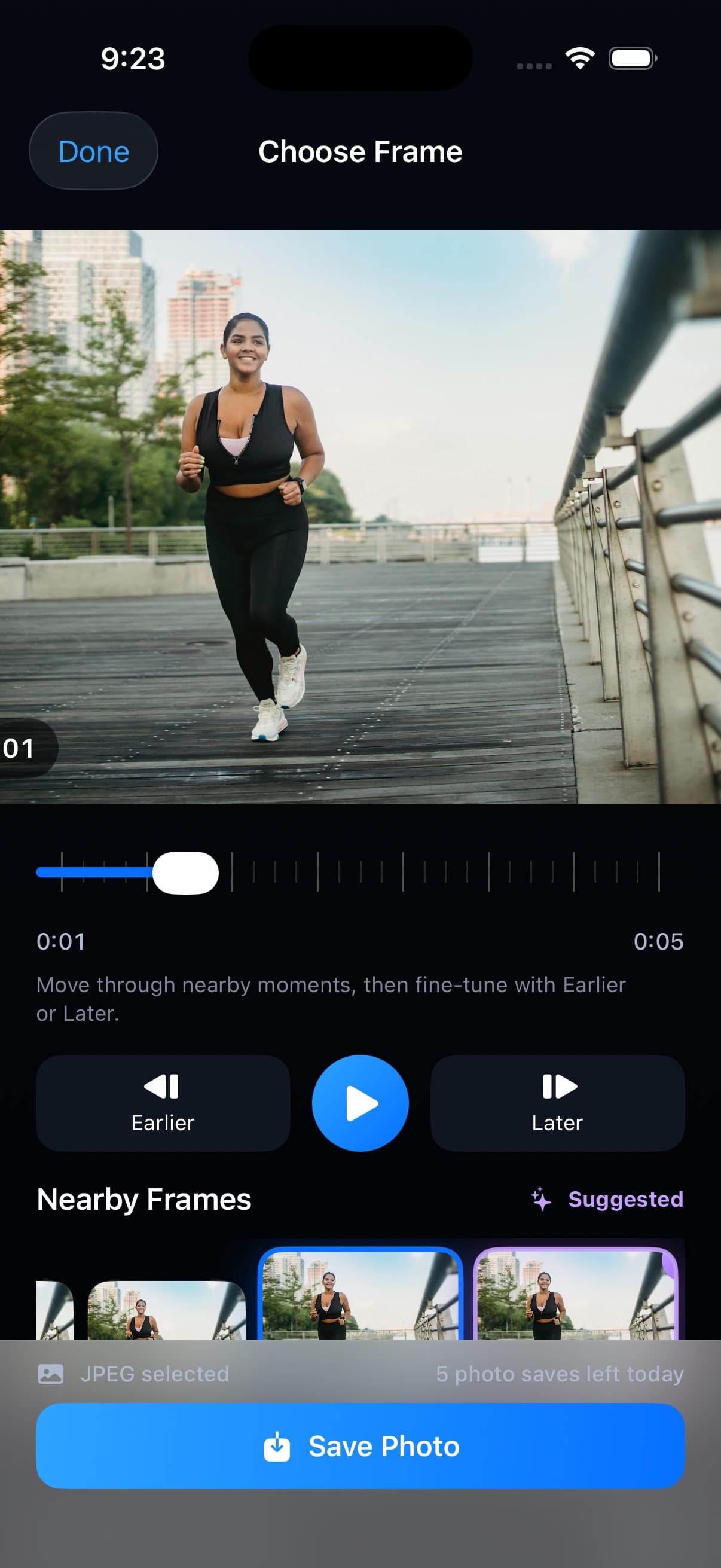
On-device Vision-assisted ranking can highlight a nearby candidate. You can still inspect and choose any frame before export. The suggestion is useful for motion, blinking, pets, sports, and fast expressions where the useful still is often a fraction of a second before or after the paused moment. It is an assist, not an automatic edit, so the final photo stays your choice.
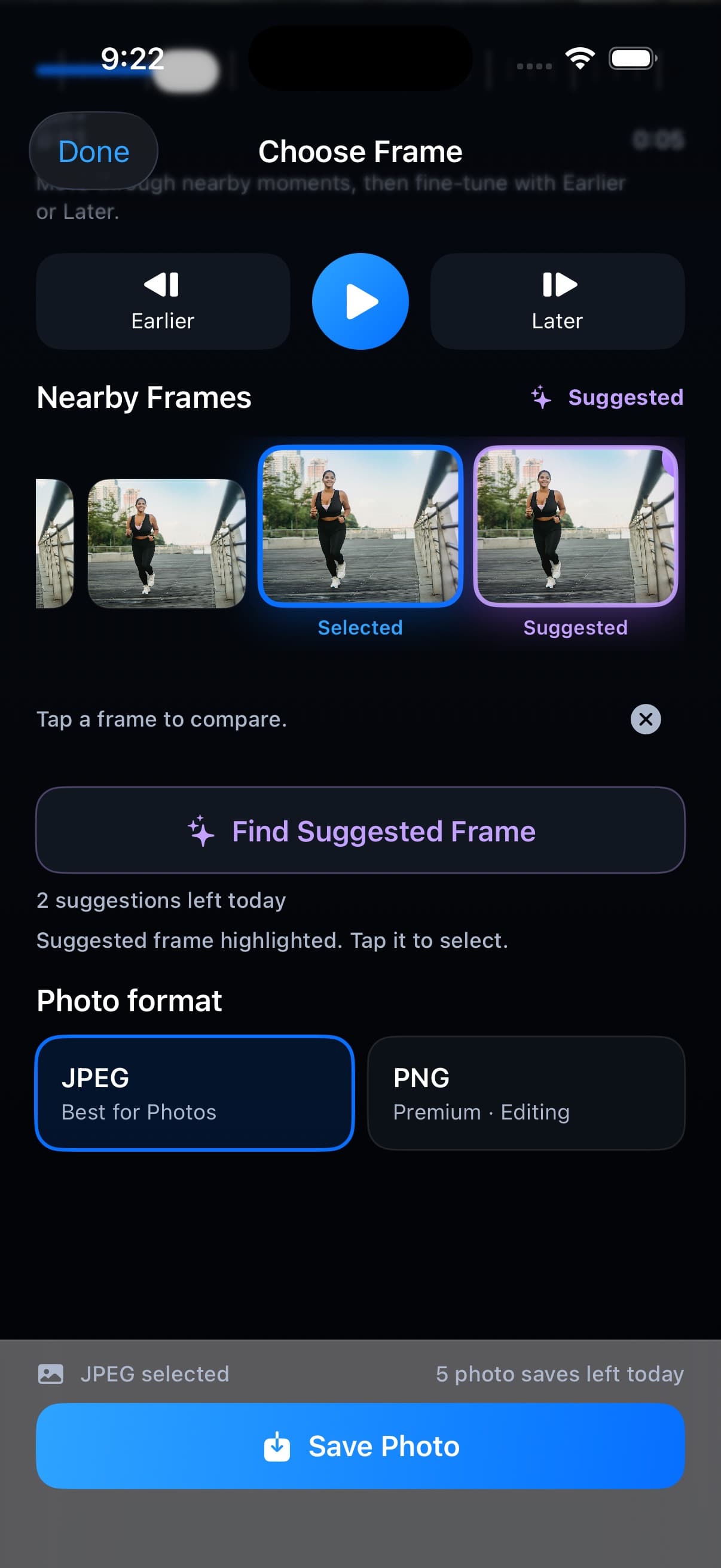
Perfect Frame opens only the video you choose through the system picker. Frame comparison and suggestions happen on device. No account. No source-video upload. That makes it practical for everyday private videos: kids, travel, workouts, school events, screen recordings, and other clips you do not want copied to a remote editor just to save one picture.
Read the privacy policy Video to Photo: Perfect Frame
Turn the videos already in Photos into clean HD stills worth sharing. Video to Photo: Perfect Frame is a focused video-to-photo utility—not a full video editor. No filters, retouching, or exact frame-number navigation. Just grab, compare, and export.
Download on the App Store